Overall, my experience with AppInventor was not so great, I had trouble figuring out what I wanted to do and once I did, I had trouble figuring out how to do and set it up right. I knew I wanted to do a game but wasn’t sure what kind, at first it was a memory game but then I decide to do a ball bouncing game. Everyone likes a good ole fashioned brick and ball game right?
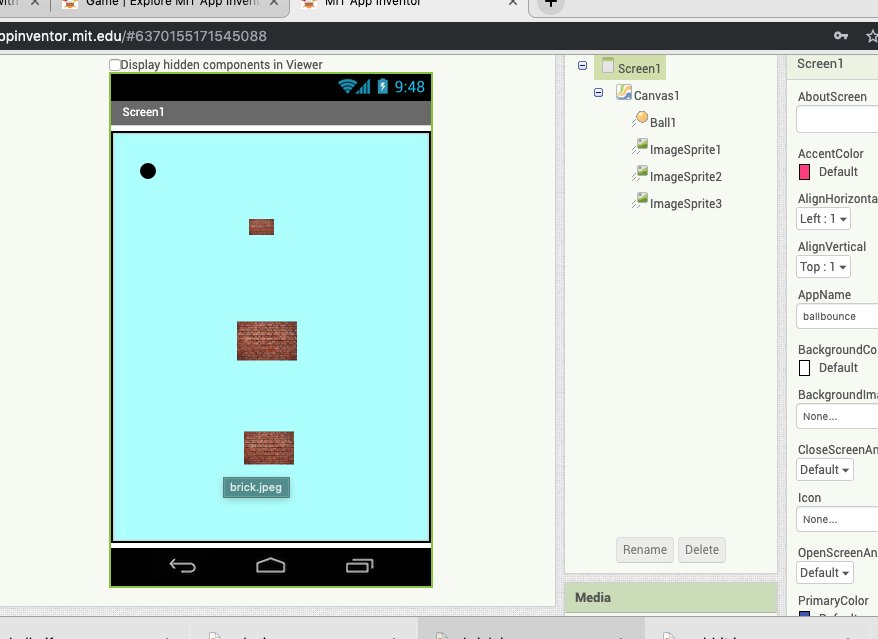
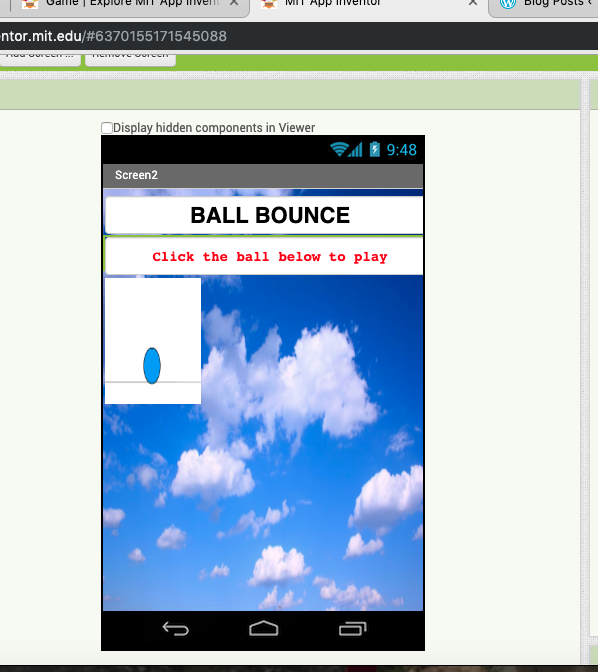
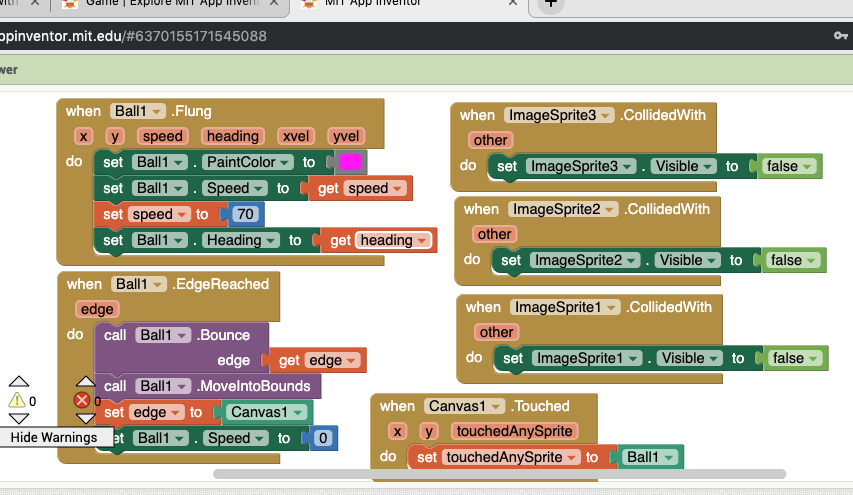
To get started, I did have to look up a basic tutorial through the AppInventor website to get the basics such as, the ball moving, and how to set the edges and speed etc… However, I managed to put together the blocks that make the brick images disappear when they are hit and for the ball to change color when it is first flung. I still do not have it set completely right as the only problem remaining is that the ball tends to go completely off the screen on the bottom and right hand side. I also meant to put in an opening screen that allowed you to click a gif that would take you to the game (the image at the bottom), however I did all the blocks and pictures on screen 1 and it was too much of a hassle to switch them around. If I have time I may end up switching it around so it looks more like a complete game rather than just a screen popping up with a ball and bricks on it.
In the end I think if I keep working at it I will be able to make the game work like it should and add more components to it . Not to mention as time went on all the blocks and what they do slowly made sense so there hopefully won’t be a need for any more tutorials but rather just trial and error.

 The Blog of Abby