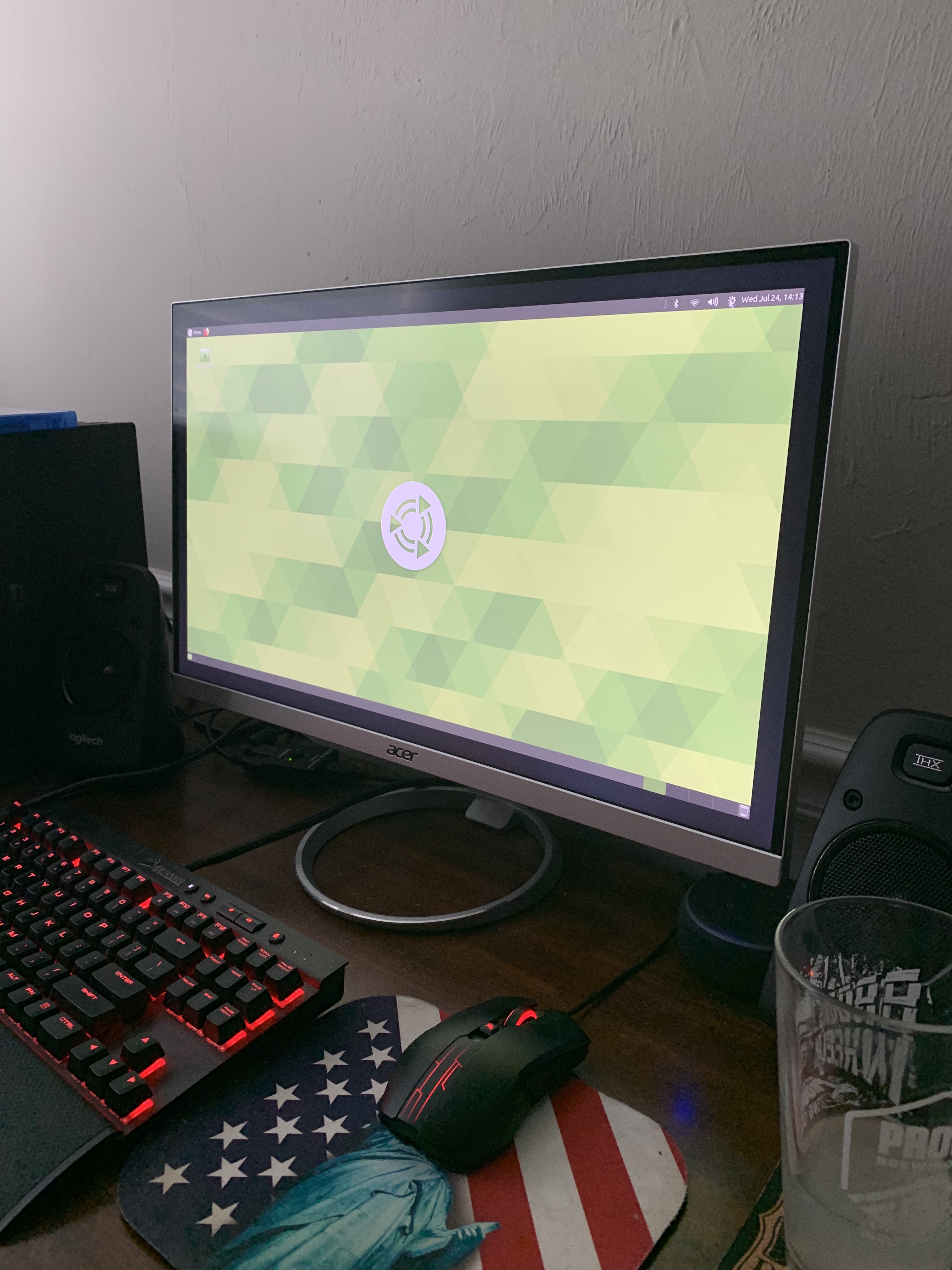
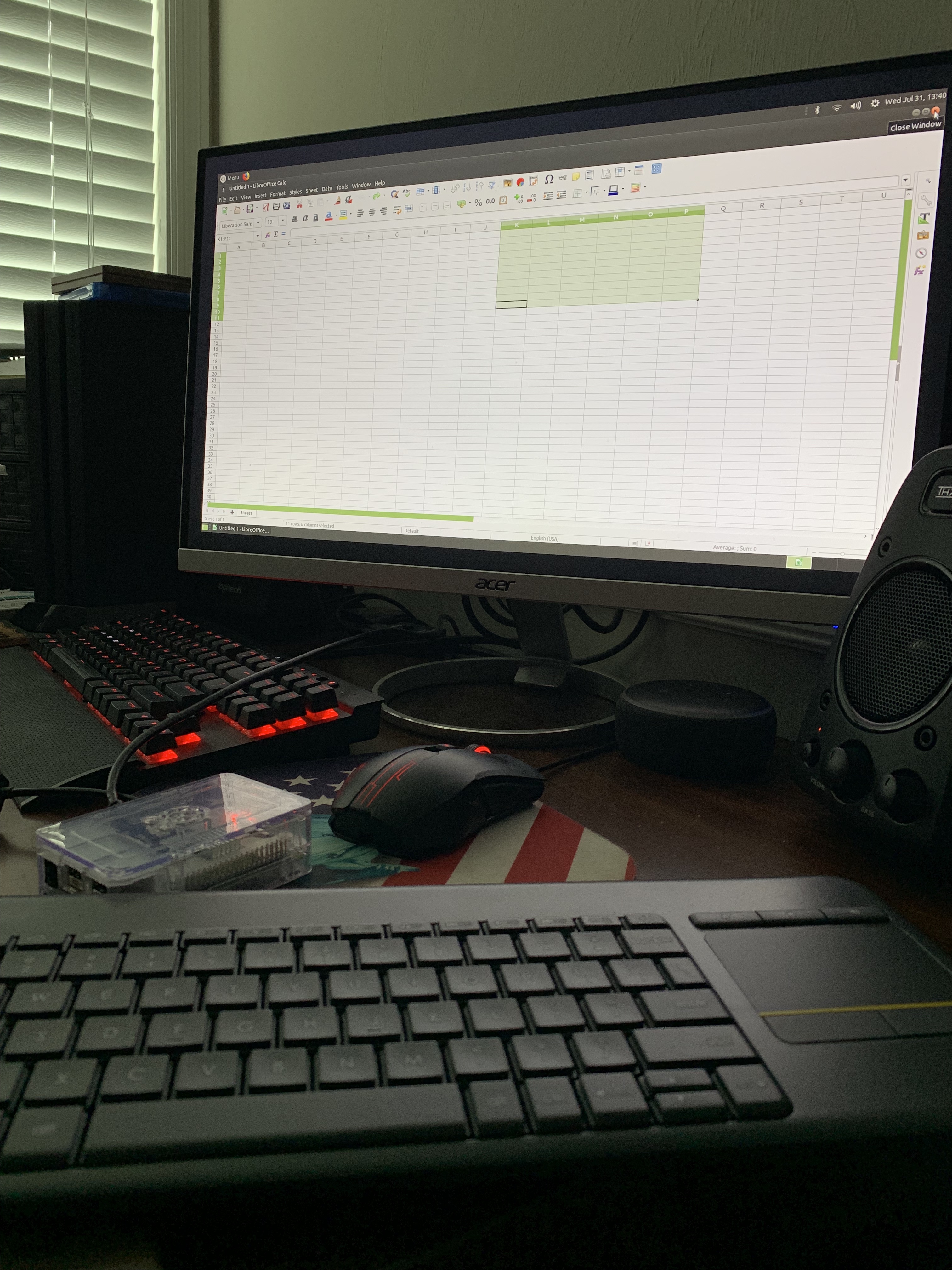
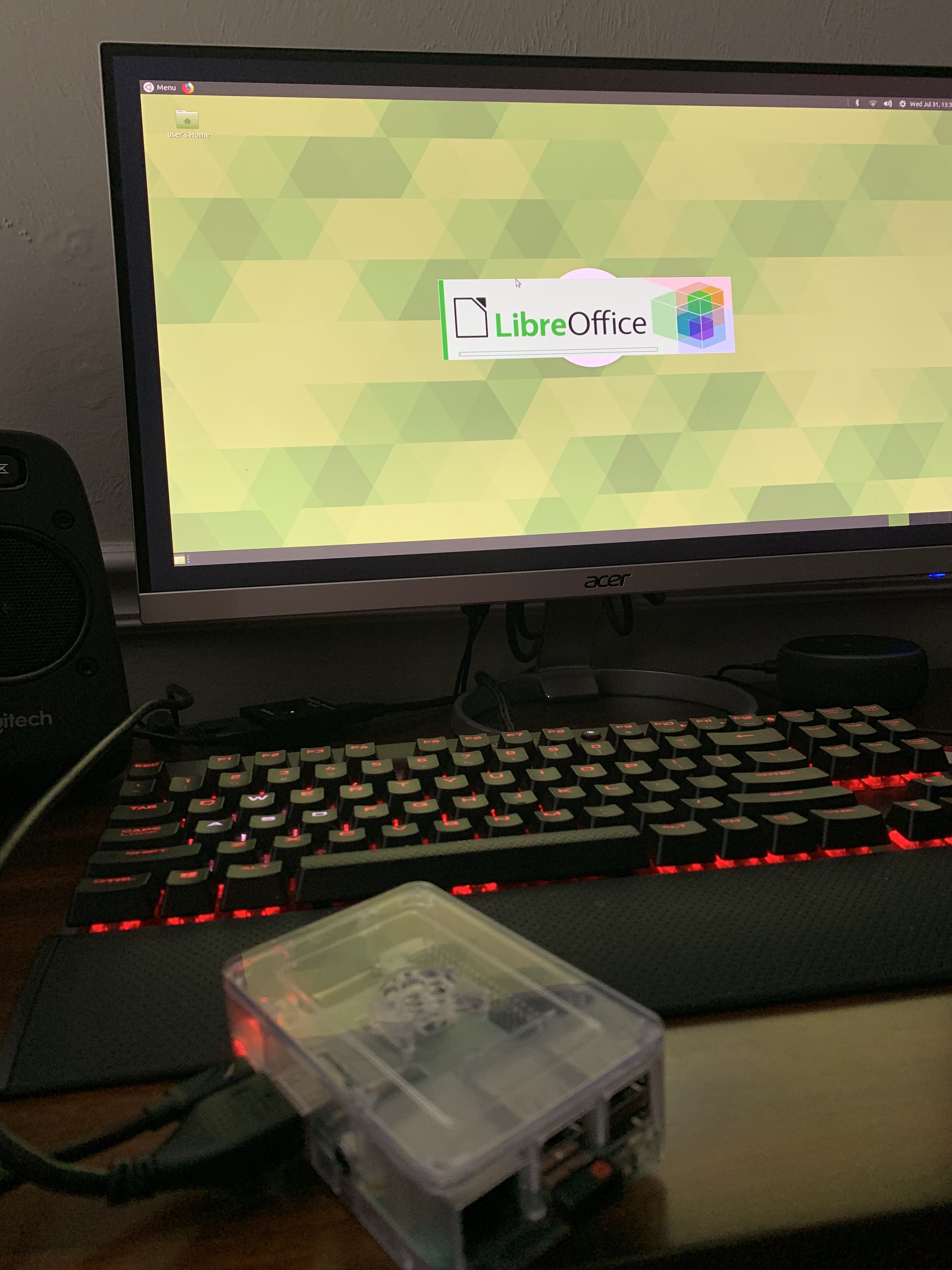
The raspberry pi was difficult for me, the actual device itself is a simple layout however getting something onto is the difficult part. When we were doing it in class in order to get NOOBS onto my SD card I could not manage to do it and my computer was a struggle to work with. I ended up having to use a friends computer in order to get it working and I also went out and bought a wireless computer which made the process a little bit easier rather than trying to do it a different way.I ended up putting ubuntu mate on there because I thought it would end up being the most versatile. You can use Excel on there, browse Firefox, use the calculator and many other things. I didn’t bother trying to put anything else on there because I did not want to mess up anything seeing as I struggled just to get the basic ubuntu mate on there.
My process for getting the Ubuntu Mate on there was to first format the micro-SD card to FAT32 and then flash the Ubuntu Mate ISO file onto the card to allow the Raspberry PI to boot from the card. Then just connected it to the computer and played around with the program a bit. In all honesty I probably won’t ever touch the Pi again which is why I didn’t put anything else on the PI.


 The Blog of Abby